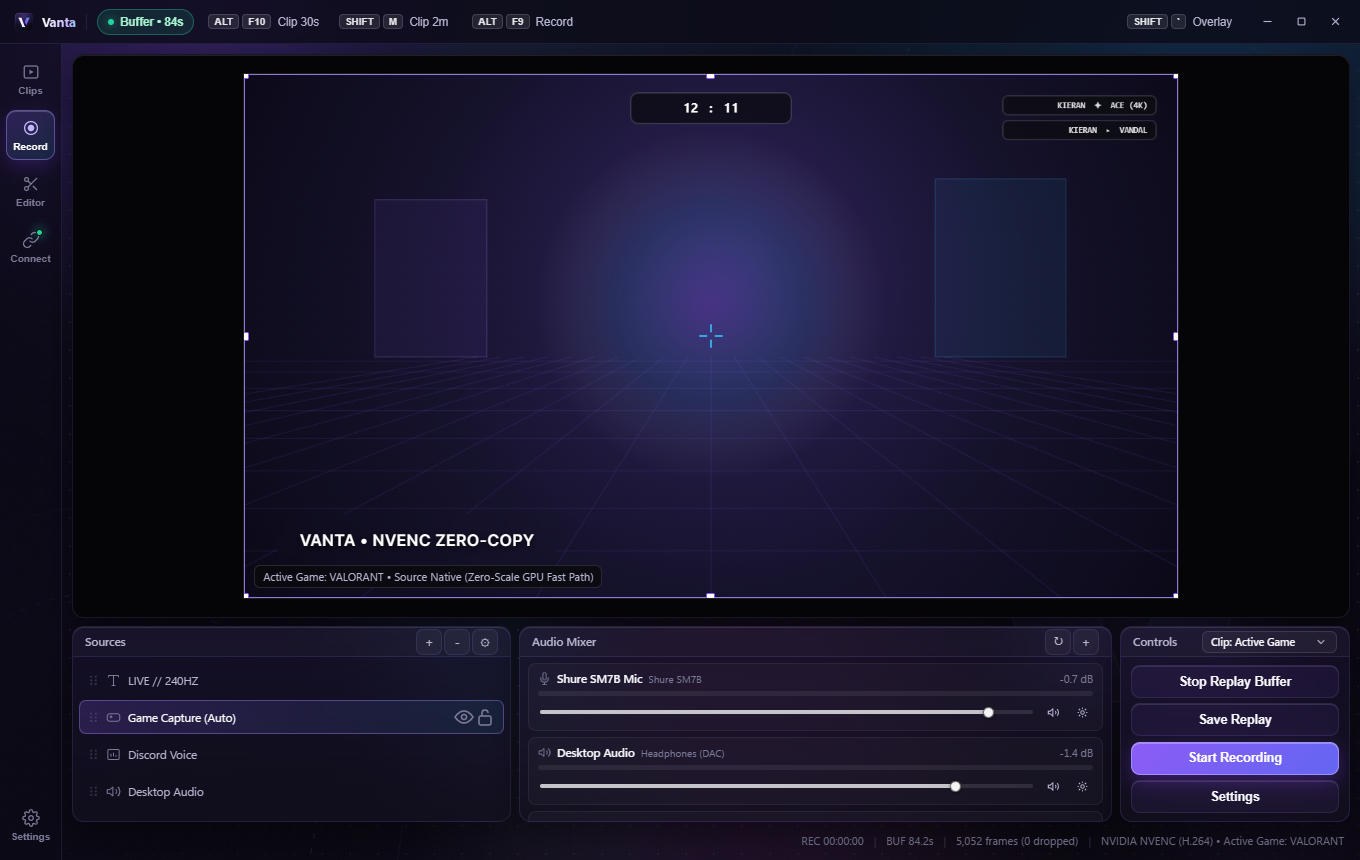
Instant Replay. Zero Frame Drops.
Vanta captures directly from GPU VRAM into a rolling memory ring buffer — no CPU encoding, no constant SSD writes. Isolate Game, Discord, and Mic audio, edit on a multi-track timeline, and broadcast live Discord Rich Presence.
Experience the engine before you install.
Test the rolling RAM replay buffer (try pressing ALT + F10 right now!), route isolated Game & Discord audio, and customize your live Discord Rich Presence.
Clip Audio Isolation
Isolated mode active — Spotify & Chrome are completely excluded from your saved clips.
Live Discord Rich Presence
Vanta GPU vs. CPU Recorders
Everything a clip studio needs. Nothing it doesn't.
Built natively in Rust + Direct3D 11 + Tauri v2 — ultra-lightweight footprint with obsidian glass clarity.
Active Game Auto-Lock or Entire Screen
Set independent capture targets and quality profiles for Instant Clips and Manual Recording. Auto-lock onto the game you're tabbed into — alt-tabbing to Discord or Chrome keeps your clip clean — or flip to Entire Screen in one click.
Built-In Multi-Track Editor
Split clips, layer custom imported fonts, apply color grades, transitions, speed ramps, and reopen past finished projects anytime — plus lossless MP4 trimming.
True Per-App Audio Routing
Windows 10/11 application loopback captures Discord and Game audio separately from Desktop music, mixed into 48 kHz stereo AAC-LC on a shared A/V clock.
Capture-Excluded In-Game HUD
Non-activating corner overlay greets you on game tab-in with your custom hotkeys and auto-detected Discord friends — 100% invisible inside saved clips.
1-Click Discord Login & Embeds
Connect your Discord account with a single click for persistent live Rich Presence, plus instant direct MP4 sharing links that play inline in Discord chat.
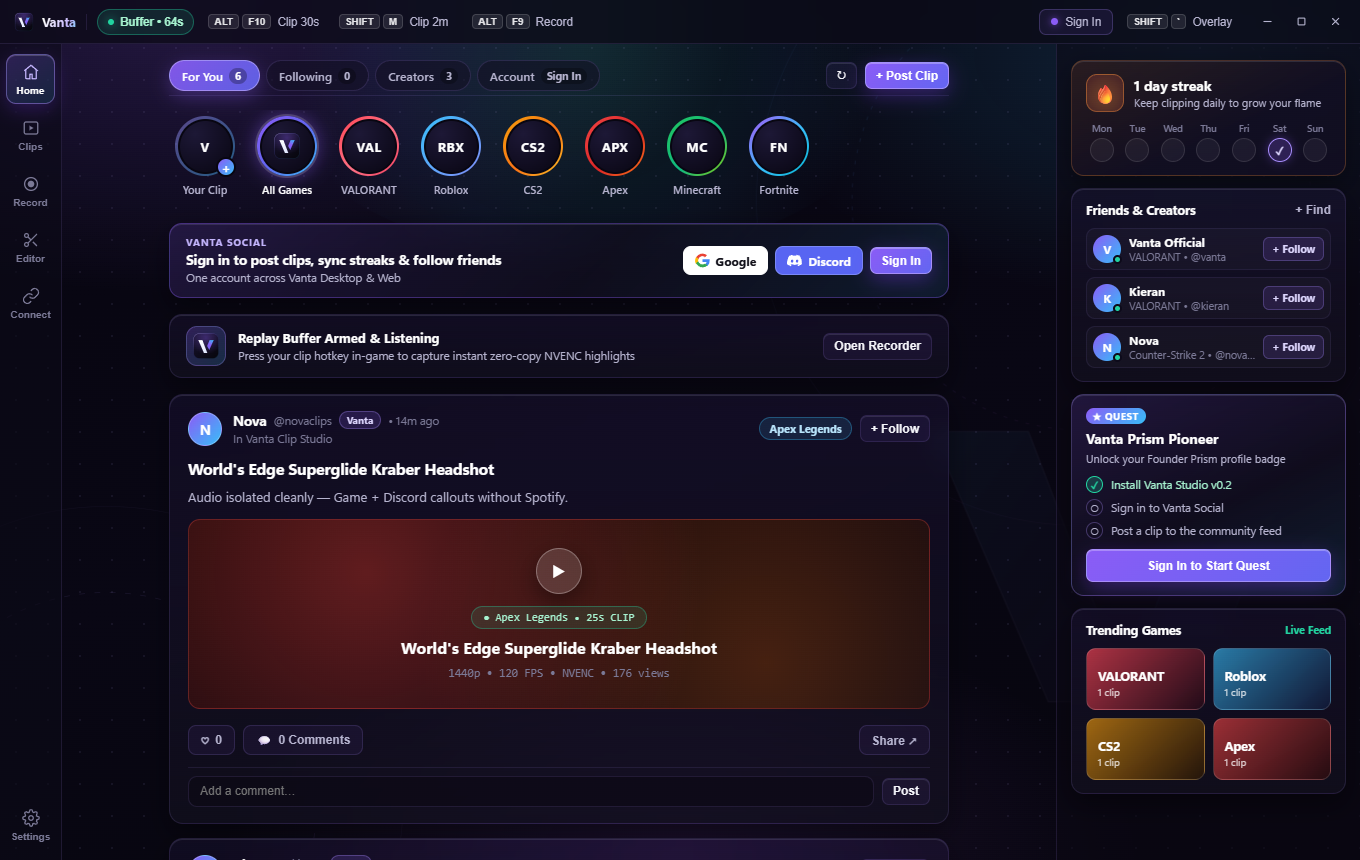
Clip in the app. Share with the community.
Sign in with Discord, Google, or your Vanta email account to publish clips straight from Vanta Studio, follow creators, like highlights, and join the conversation.